 d5abd4eb75
Add new class _TimerSync to manage timestep calculations.
The new class handles the decisions about simulation progression
previously handled by main::iteration(). It is fed the current timer
ticks and determines how many physics updates are to be run and what
the delta argument to the _process() functions should be.

The new class tries to keep the number of physics updates per frame as
constant as possible from frame to frame. Ideally, it would be N steps
every render frame, but even with perfectly regular rendering, the
general case is that N or N+1 steps are required per frame, for some
fixed N. The best guess for N is stored in typical_physics_steps.

When determining the number of steps to take, no restrictions are
imposed between the choice of typical_physics_steps and
typical_physics_steps+1 steps. Should more or less steps than that be
required, the accumulated remaining time (as before, stored in
time_accum) needs to surpass its boundaries by some minimal threshold.
Once surpassed, typical_physics_steps is updated to allow the new step
count for future updates.

Care is taken that the modified calculation of the number of physics
steps is not observable from game code that only checks the delta
parameters to the _process and _physics_process functions; in addition
to modifying the number of steps, the _process argument is modified as
well to stay in expected bounds. Extra care is taken that the accumulated
steps still sum up to roughly the real elapsed time, up to a maximum
tolerated difference.

To allow the hysteresis code to work correctly on higher refresh
monitors, the number of typical physics steps is not only recorded and
kept consistent for single render frames, but for groups of them.
Currently, up to 12 frames are grouped that way.

The engine parameter physics_jitter_fix controls both the maximum
tolerated difference between wall clock time and summed up _process
arguments and the threshold for changing typical_physics_steps. It is
given in units of the real physics frame slice 1/physics_fps. Set
physics_jitter_fix to 0 to disable the effects of the new code here.
It starts to be effective against the random physics jitter at around
0.02 to 0.05. at values greater than 1 it starts having ill effects on
the engine's ability to react sensibly to dropped frames and framerate
changes.


Godot Engine
Homepage: https://godotengine.org
2D and 3D cross-platform game engine
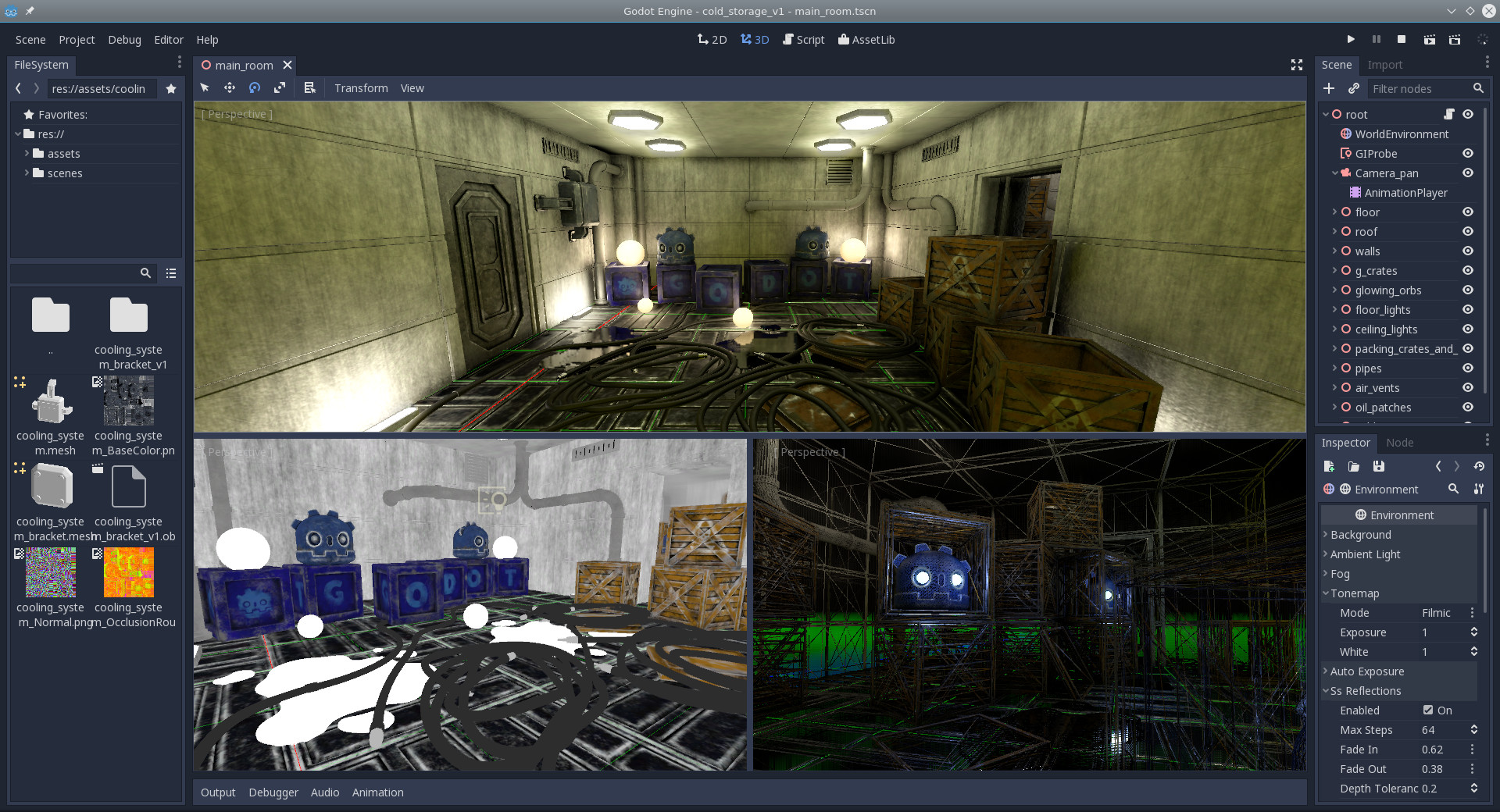
Godot Engine is a feature-packed, cross-platform game engine to create 2D and 3D games from a unified interface. It provides a comprehensive set of common tools, so that users can focus on making games without having to reinvent the wheel. Games can be exported in one click to a number of platforms, including the major desktop platforms (Linux, Mac OSX, Windows) as well as mobile (Android, iOS) and web-based (HTML5) platforms.
Free, open source and community-driven
Godot is completely free and open source under the very permissive MIT license. No strings attached, no royalties, nothing. The users' games are theirs, down to the last line of engine code. Godot's development is fully independent and community-driven, empowering users to help shape their engine to match their expectations. It is supported by the Software Freedom Conservancy not-for-profit.
Before being open sourced in February 2014, Godot had been developed by Juan Linietsky and Ariel Manzur (both still maintaining the project) for several years as an in-house engine, used to publish several work-for-hire titles.
Getting the engine
Binary downloads
Official binaries for the Godot editor and the export templates can be found on the homepage.
Compiling from source
See the official docs for compilation instructions for every supported platform.
Community
Godot is not only an engine but an ever-growing community of users and engine developers. The main community channels are listed on the homepage.
To get in touch with the developers, the best way is to join the #godotengine IRC channel on Freenode.
Documentation and demos
The official documentation is hosted on ReadTheDocs. It is maintained by the Godot community in its own GitHub repository.
The class reference is also accessible from within the engine.
The official demos are maintained in their own GitHub repository as well.
There are also a number of other learning resources provided by the community, such as text and video tutorials, demos, etc. Consult the community channels for more info.

